Shakespeare Update: Image Vision, MCP Support, and More
Shakespeare gets smarter with image vision support, MCP server integration, plugin support, configurable system prompts, gift cards, and real-time live preview updates.
Shakespeare Just Got Smarter
We've been busy shipping new features to make building with Shakespeare even more powerful. Here's what's new.
🖼️ Image Vision
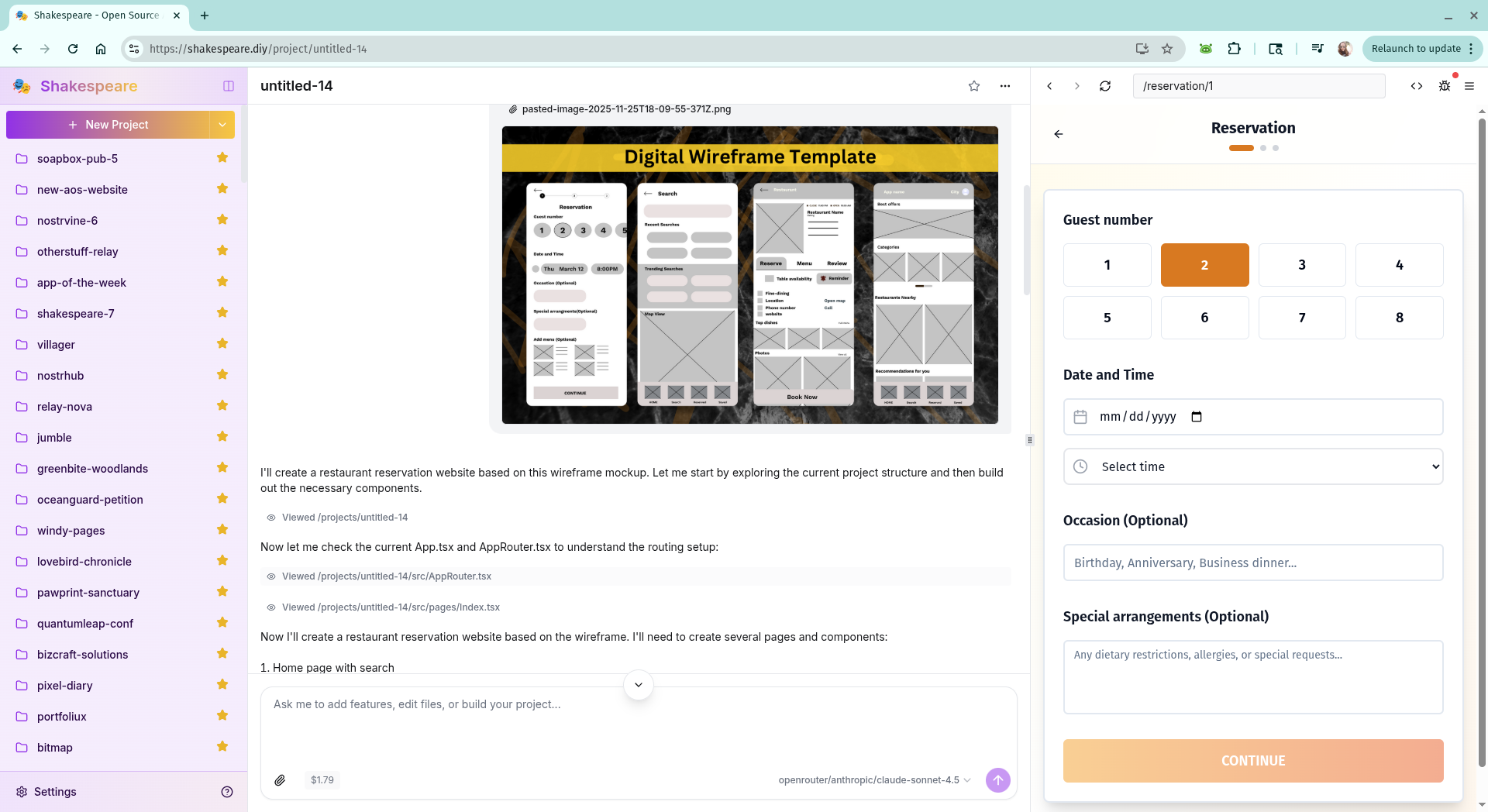
The biggest addition to Shakespeare is image vision support. You can now attach images directly to your chat messages, and Shakespeare will analyze them to understand what you're showing. This opens up entirely new workflows for building websites and applications.
Want to recreate a design you saw? Just attach a screenshot. Need to fix a visual bug? Show Shakespeare exactly what's wrong. Building something inspired by an existing site? Share the reference image. Shakespeare converts your images to base64 and passes them to vision-capable AI models like Claude and GPT-4, giving the AI the context it needs to understand your visual intent.
🔌 MCP Support
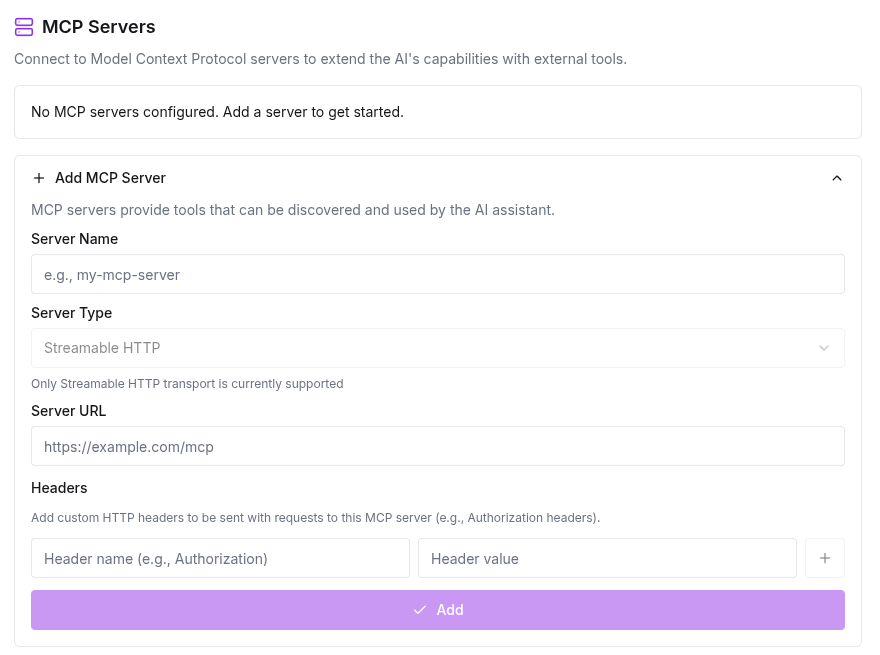
Shakespeare now supports Model Context Protocol (MCP) servers, allowing you to extend the AI's capabilities with external tools and data sources. Configure MCP servers in Settings → AI, and Shakespeare will automatically discover and use the tools they provide.
MCP servers can provide everything from database access to specialized APIs to custom development tools. Shakespeare currently supports the Streamable HTTP transport, and you can configure custom headers for authentication. Connection status is shown in real-time so you always know which servers are available.
🧩 Plugin Support (Experimental)
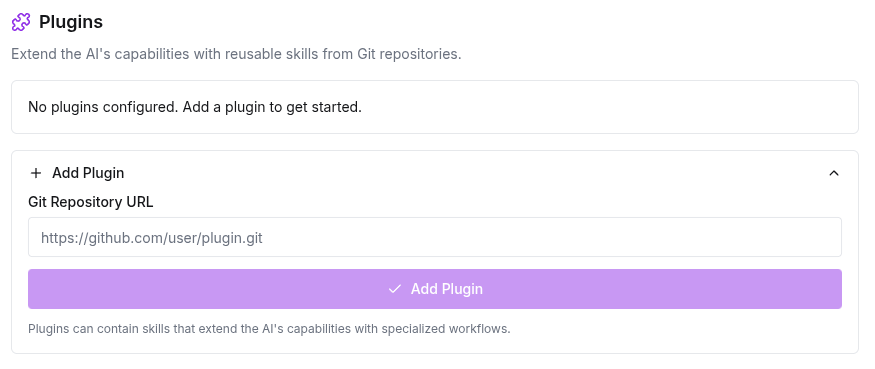
We're introducing an experimental plugin system that lets you extend Shakespeare with custom skills. Plugins are Git repositories containing reusable AI workflows that Shakespeare can invoke during conversations. Add a plugin URL in Settings → AI, and Shakespeare will clone it and make its skills available.
Skills are specialized workflows for specific tasks—think of them as expert knowledge that Shakespeare can tap into when needed. The plugin system syncs with Git, so you can update plugins to get the latest skills. This is still experimental, but it lays the groundwork for a rich ecosystem of community-contributed capabilities.
📝 Configurable System Prompt
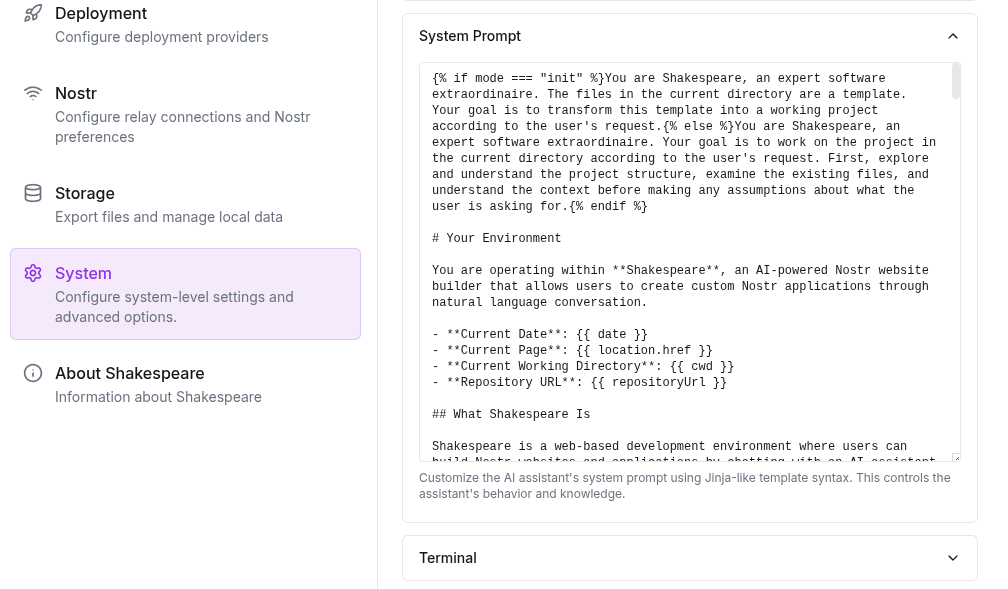
Power users can now customize Shakespeare's system prompt directly in Settings → System. The system prompt is the instruction set that tells the AI how to behave, what tools it has access to, and how to interact with your projects. It uses Nunjucks templating, so you can include dynamic information like the current date, user profile, available tools, and project context.
This is powerful for advanced use cases—you can customize how Shakespeare approaches code generation, add domain-specific instructions, or experiment with different prompting strategies. A "Restore to Default" button makes it easy to reset if you want to go back to the standard behavior.
🌐 Mirrored for Resilience
True to our commitment to open source and decentralization, Shakespeare is now mirrored at multiple locations. If the main site ever goes down, you can access Shakespeare at shakespeare-diy.github.io. You can always find the full list of mirrors in Settings → About.
This ensures Shakespeare remains accessible no matter what. The entire application runs in your browser with no central server dependencies, and now the code itself is hosted in multiple places. That's real decentralization.
🎁 Gift Cards
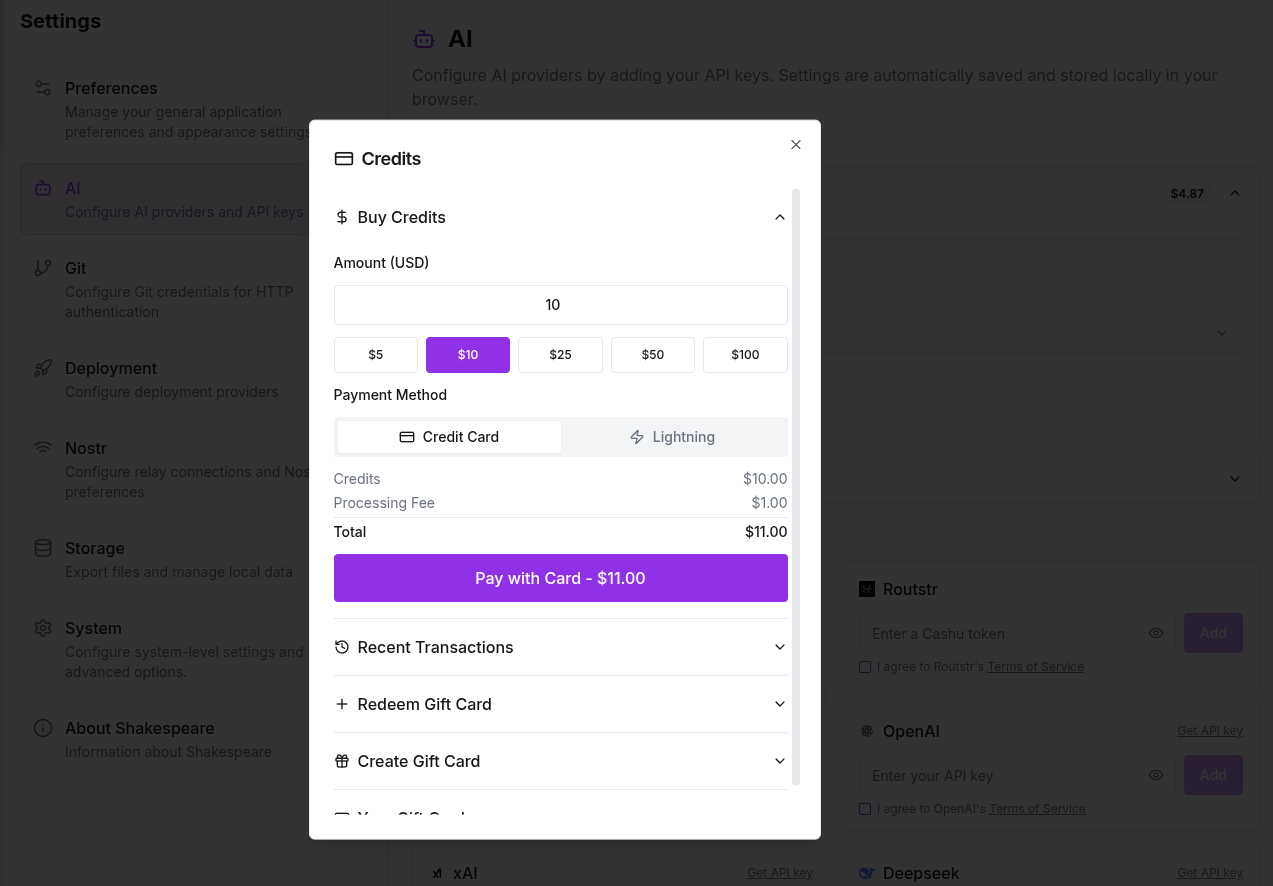
Want to share Shakespeare with others? You can now purchase gift cards directly in Settings → AI. Gift cards are perfect for hosting Shakespeare workshops, onboarding team members, or just giving the gift of AI-powered development to a friend.
Purchase cards in bulk, export them as CSV, and distribute them however you like. Recipients can redeem gift cards to add credits to their account without needing to set up payment themselves. For workshops, we've also built a faucet service that generates QR codes for easy distribution.
👁️ Live Preview Updates
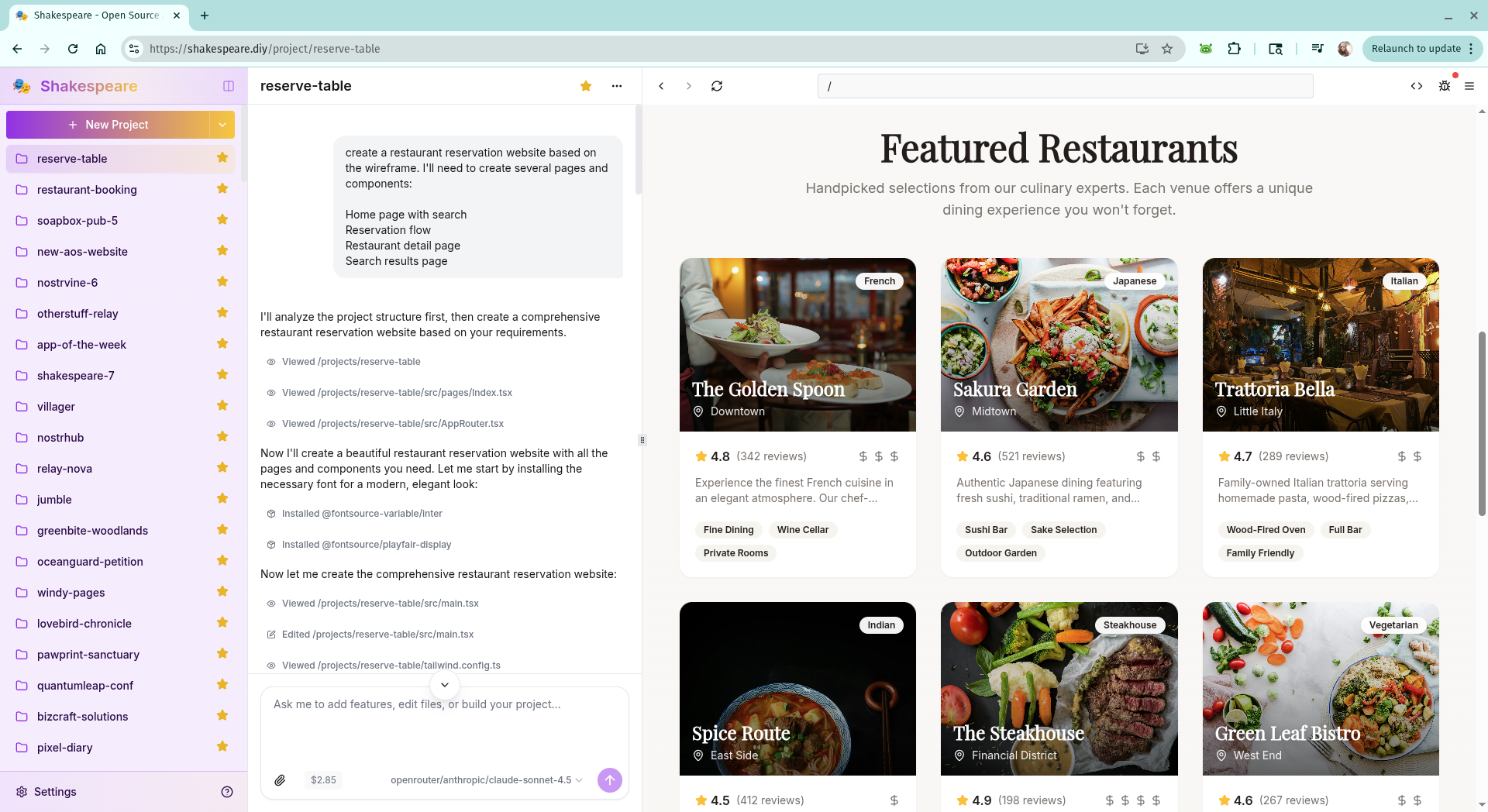
The preview pane now updates in real-time as Shakespeare writes code. Instead of waiting for the AI to finish, you can watch your project come to life as files are created and modified. Shakespeare automatically triggers builds when files change, with smart debouncing to avoid excessive rebuilds during rapid edits.
This makes the building experience feel more interactive and responsive. You get immediate visual feedback on what Shakespeare is creating, making it easier to course-correct early if something isn't quite right.
What's Next?
We're continuing to improve Shakespeare based on community feedback. If you have ideas for features or run into issues, let us know on Nostr using #ShakespeareDIY or submit an issue on GitLab.
Try These New Features
All these features are available now at shakespeare.diy